What are AI-Powered Campaigns?
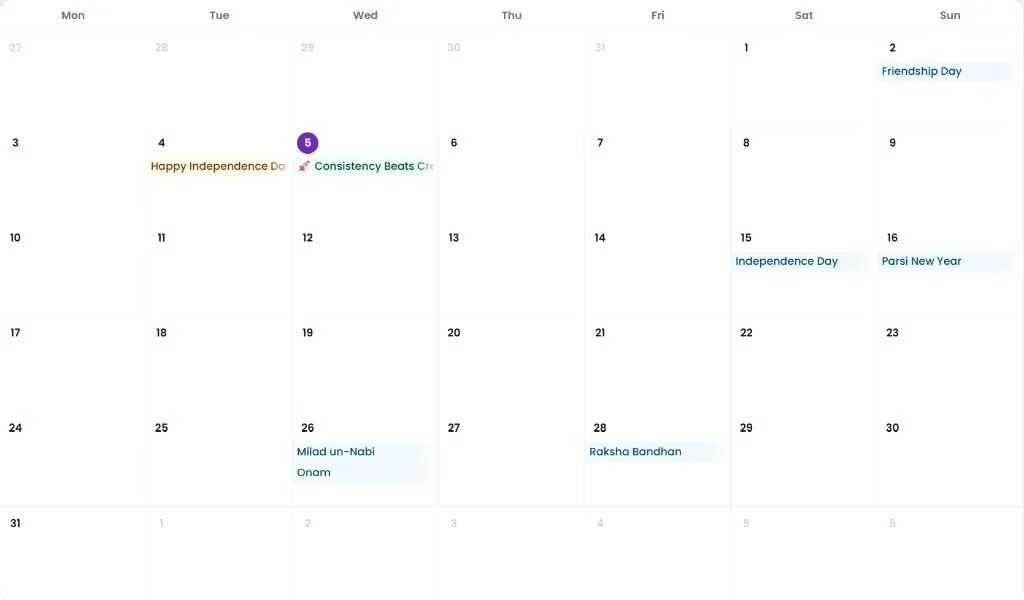
Set a daily, weekly, monthly, or festive cadence. Pixipie drafts and schedules the queue; you can still pause, edit, or review before anything goes live. Optional AI images use separate image credits.
How it works
-
1
Choose campaign type: daily, weekly, monthly strategies, or festive.
-
2
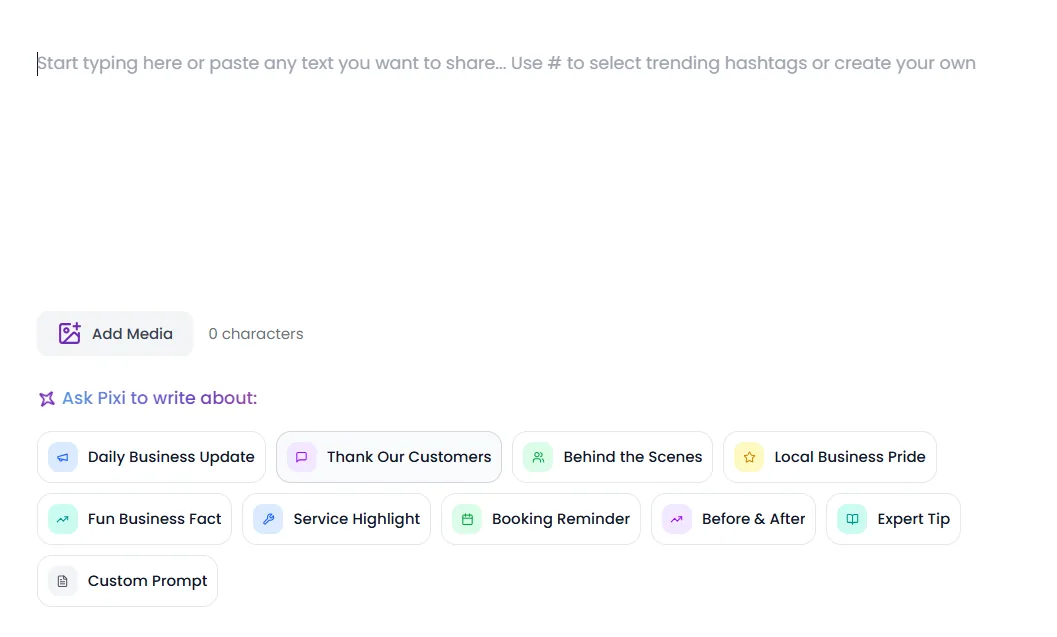
Add business context and goals. Optionally enable AI Image Generation.
-
3
Review generated posts and images before they go live.
-
4
Approve the schedule.
-
5
Monitor and edit anytime—pause without restarting everything.
Facts: automation and platform delivery
AI Campaigns generate drafts using PixiCoins, then schedule them to the same Meta and LinkedIn Social Accounts used by Post Creator and Content Planner. Cadence options include daily, weekly, monthly strategies, and festive. Optional AI Image Generation adds recipe-based images and uses AI image credits.
Automation is not a black box: you can pause a campaign, edit individual posts, or require review before publish depending on your workflow. Pixipie does not claim engagement guarantees — outcomes depend on your offer, creative, and audience.
- Uses the same official Facebook, Instagram, and LinkedIn connections as other features
- Optional AI Image Generation for campaign posts (festival templates remain available when images are off)
- Pause, edit, or review posts without restarting the whole campaign
- Pair with Content Planner when you want date-level control
PixiCoins
Campaign text generation consumes PixiCoins based on AI usage. Turning on AI Image Generation also uses AI image credits. Plan allotments scale from Kick Starter trial through Studio. Manual edits and reviewing scheduled posts typically do not burn coins — generation does.
- Kick Starter trial includes starter coins to try AI generation
- Solo, Pro, and Studio scale allotments with your posting volume
- See pricing for current plan limits