What is PixiAI?
PixiAI drafts social posts from your Business Context. Use Ask Pixi for ideas and Generate with Pixi for caption, hashtags, and an optional AI image—then review before you publish or schedule.
How it works
-
1
Connect social accounts and fill in Business Context.
-
2
Open Create Post and pick an Ask Pixi suggestion—or write a custom prompt.
-
3
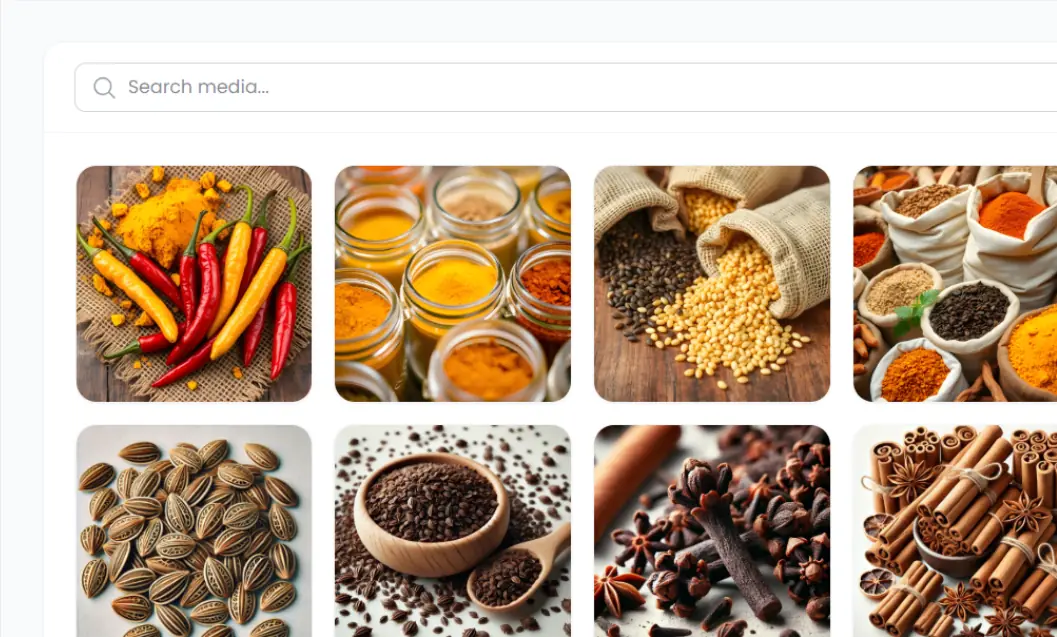
Generate with Pixi for caption, hashtags, and an AI image (uses credits).
-
4
Edit copy, media, and watermarks. Check facts before you trust the draft.
-
5
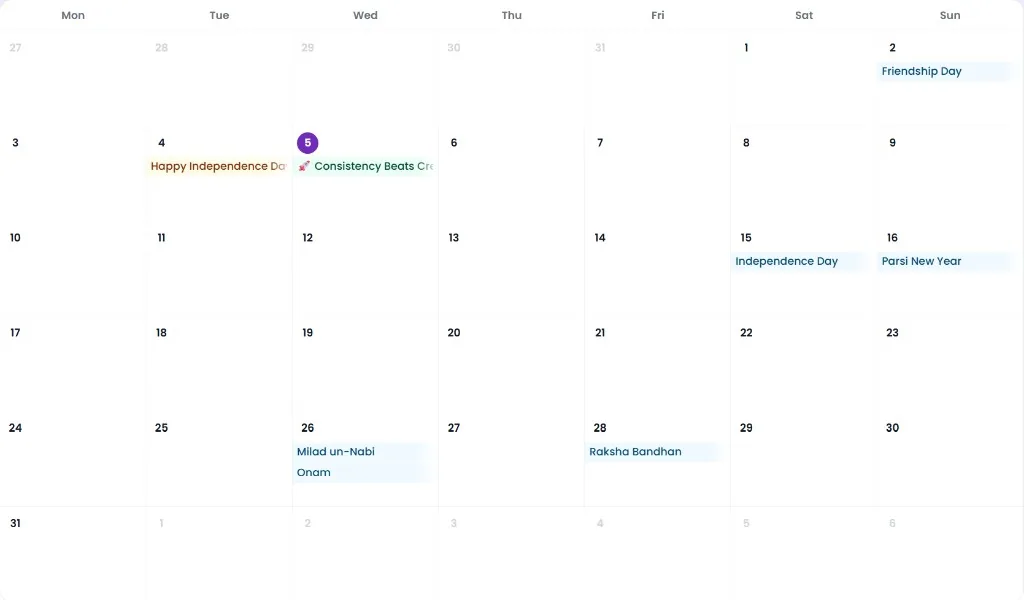
Publish now or schedule via Content Planner.
How publishing works
Pixipie connects to Facebook Pages and Instagram professional accounts through Meta's official OAuth flow, and to LinkedIn Company Pages or personal profiles you authorize. A verified Google Business location can receive Local Posts that appear on Search and Maps. After you approve a draft, Pixipie sends the caption, media, and scheduled time through those connections — it does not scrape your accounts or post without your connected accounts.
You remain the publisher of record: every post can be reviewed before it goes live. Rate limits, media format rules, and platform outages can delay delivery; Pixipie surfaces connection status in Social Accounts so you can reconnect if a token expires.
- Supported publish targets: Facebook, Instagram, LinkedIn, and Google Business Local Posts
- Google review replies stay a separate flow under Business Ratings — they are not the same as Local Posts
- Caption generation uses PixiCoins; AI Post Image Generation uses AI image credits (Kick Starter 3, Solo 20, Pro 60, Studio 150, Enterprise unlimited per month — see pricing). Editing and reviewing drafts does not burn either by itself
Integrations
Posts publish to Meta (Facebook and Instagram), LinkedIn, and Google Business Local Posts through your connected accounts. You stay in control of every post before it goes live.
- Connect once under Social Accounts, reuse across Post Creator, Planner, and Campaigns
- Approve or schedule each draft — nothing auto-publishes without your workflow choice
- Pair with brand watermarks so every creative looks owned