Home / Features / media library

Central Media Library for Social Marketing Assets

Store logos, watermarks, and creative files once, then reuse them across posts, templates, and campaigns.

What is the Media Library?

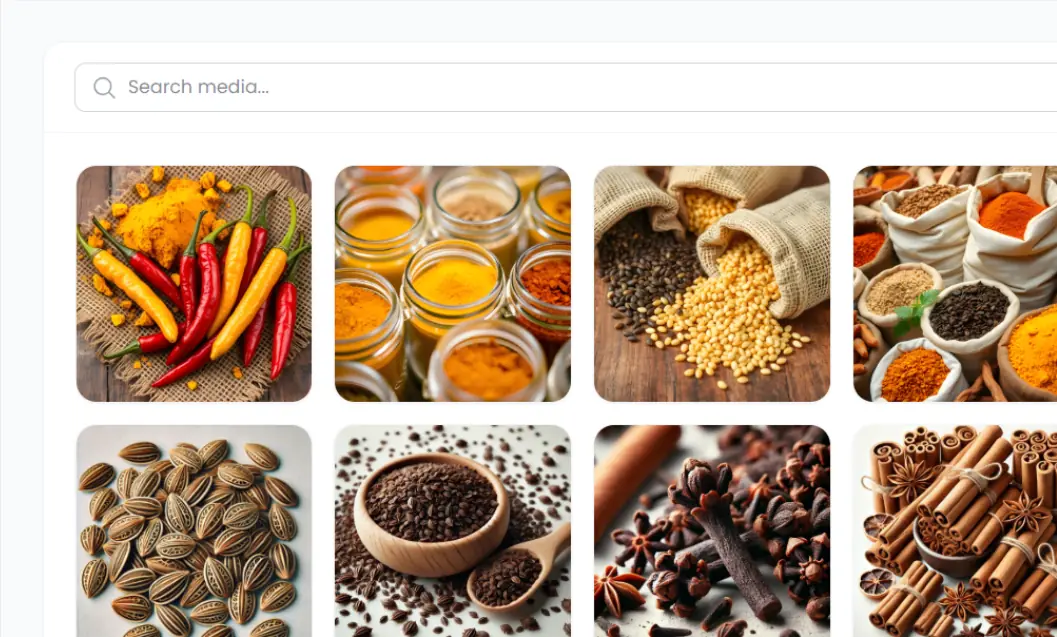
A single place inside Pixipie to keep brand assets — logos, watermarks, product photos, and templates — ready for Post Creator, Content Planner, and campaigns.

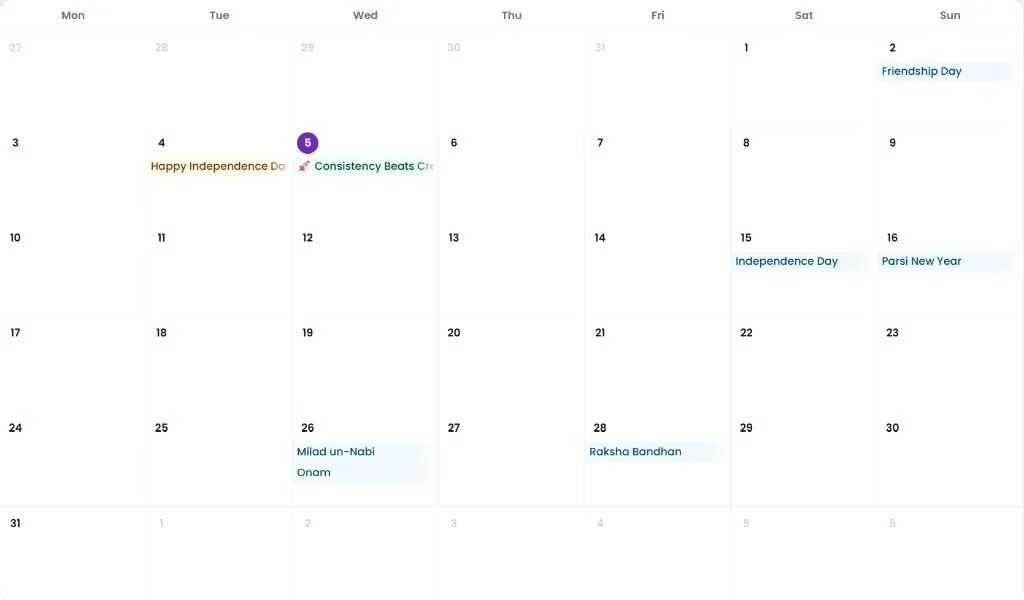
Instead of hunting through phone galleries and shared folders, you upload once and pull the same assets into festive posts, scheduled calendars, and campaign creatives. That keeps branding consistent across Facebook, Instagram, and LinkedIn.

Who it is for

Teams that need consistent assets without hunting through folders.

  • Businesses managing multiple profiles from one workspace
  • Owners who reuse product photos and logos across campaigns
  • Teams that apply watermarks and templates from a shared pool
  • Anyone tired of re-uploading the same assets every week

What you store

Keep the building blocks of your social creatives in one library.

  • Logos and brand watermarks
  • Product and service photos
  • Templates ready for festive and evergreen posts
  • Reusable assets for campaigns and planner dates

How it connects

Assets flow into watermarks, festive templates, and scheduled posts so branding stays consistent across Facebook, Instagram, and LinkedIn.

Related features